-
Shop
- Advanced Technologies
- AI Skills Mastery 2026 Collection
- Apple Accessories
- Arts, Crafts & Hobbies
- Best-Sellers
- Calvin Klein
- Car Accessories
- Christmas Collection
- Dating & Social Skills
- Denim
- 7FOR
- AGOLDE
- Antony Morato
- Armani Exchange
- Boss
- Brunello Cucinelli
- Calvin Klein Jeans
- Costume National
- Desigual
- Diesel
- Dolce & Gabbana
- Dsquared²
- Ermanno Scervino
- Fendi
- Gianni Lupo
- Guess Jeans
- Ichi
- Just Cavalli
- Lee
- Levi's
- Liu Jo
- Morgan De Toi
- Mother Denim
- Only
- Pepe Jeans
- Pinko
- Replay
- Tommy Hilfiger Jeans
- Valentino
- Vero Moda
- Digital Resources
- Car Buying & Ownership
- Cozy Feast Collection
- Emotional Intelligence
- Financial Education
- Home Styling & Organization
- Mindfulness
- Mindset
- Parenting & Child Development
- Pet Lifestyle & Wellness
- Positive Thinking
- Productivity
- Self Confidence
- Sleep Improvement
- Stress Management & Relaxation
- Travel Planning
- Yoga & Fitness
- Yoga & Mind-Body Practices
- Education & Learning
- Family & Parenting
- Fashion
- Accessories
- Alexander McQueen
- Bags
- Bags & Wallets
- Balenciaga
- Belts
- Blazers
- Blouses & Shirts
- Bottega Veneta
- Bottoms
- Brunello Cucinelli
- Burberry
- Chanel
- Chloé
- Dior
- Dolce & Gabbana
- Dresses
- Etro
- Gucci
- Hats & Hair Accessories
- Hoodies & Sweatshirts
- Jacquemus
- Jewelry
- Jil Sander
- Jimmy Choo
- Kiton
- Luggage
- Luggage Bags
- Men's Fashion
- Miu Miu
- Off-White
- Outerwear
- Prada
- Rick Owens
- Saint Laurent
- Skirts
- Socks & Tights
- Sunglasses
- Sweaters & Cardigans
- The Row
- Tom Ford
- Tops & Shirts
- Valentino Garavani
- Versace
- Vivienne Westwood
- Watches
- Fashion Accessories
- Furniture
- Gadgets
- Health & Beauty
- Health & Wellness
- Home & Garden
- Home Supplies
- Kids & Babies
- Lighting
- Patio, Lawn & Garden
- Personal Growth
- Pet Care
- Pet Supplies
- Pets
- Shoes
- Sport & Outdoors
- Super Deals
- Thanksgiving Digital Collection
- AI & Tech-Enhanced Thanksgiving
- Budgeting & Smart Shopping
- Eco-Friendly & Sustainable Thanksgiving
- Family & Kids
- Gift Ideas Guides
- Gratitude & Mindfulness
- History & Meaning
- Hosting & Planning
- Leftovers & Storage
- Pets & Thanksgiving
- Social Media Captions & Ideas
- Thanksgiving DIY Ideas
- Thanksgiving Recipes
- Thanksgiving Products
- Travel
- Wealth
- Wealth Building
- Budgeting & Saving
- Cryptocurrency Investing
- Debt Management
- Entrepreneurship & Business Growth
- Family Finance & Budgeting
- Financial Independence
- Financial Mindset & Psychology
- Financial Planning
- Frugal Living & Expense Hacks
- Goal Setting
- High-Income Skills
- Investing Basics
- Leadership
- Motivation
- Networking & Mentorship
- Passive Income Strategies
- Real Estate Investing
- Side Hustles
- Stock Market Investing
- YouTube Shorts Best-Sellers
AI Car Maintenance Planner: Smarter Upkeep for Drivers
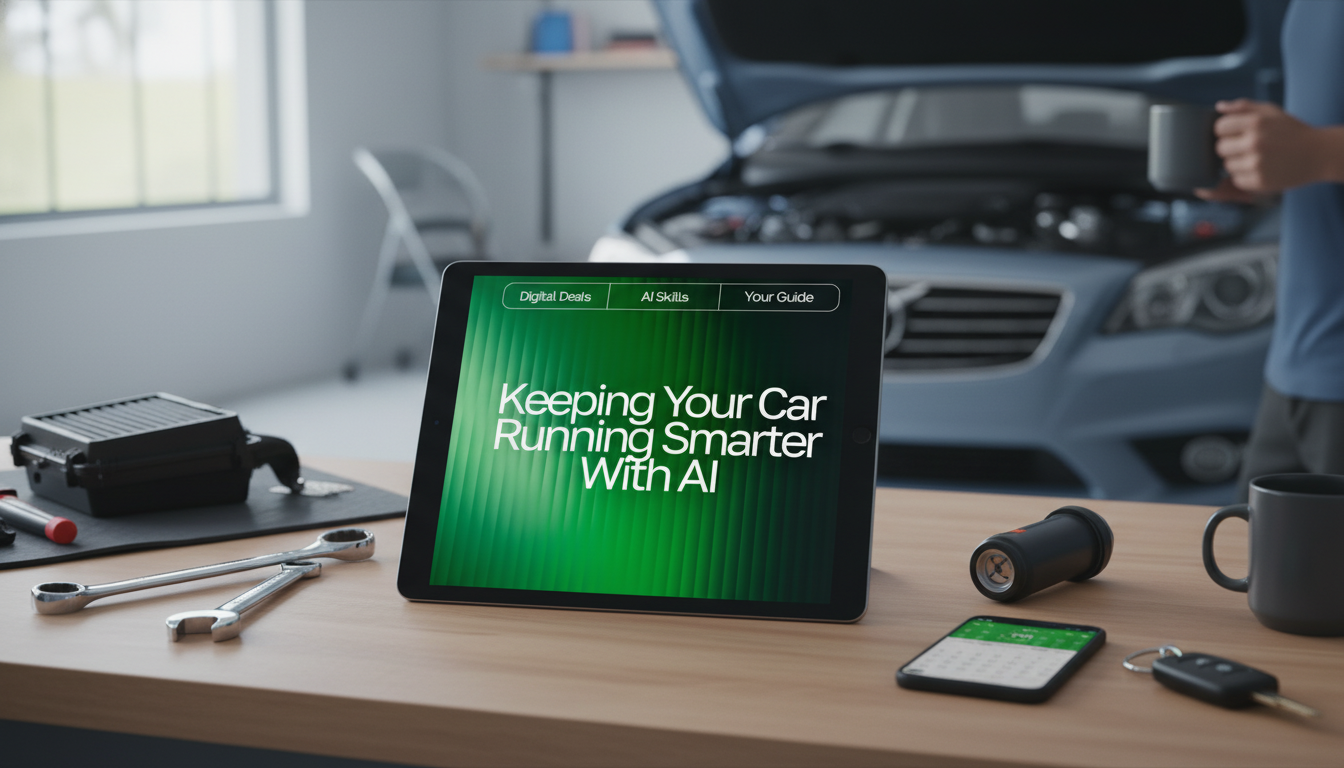
Keeping Your Car Running Smarter with AI: A Practical Guide for Drivers
AI tools can reduce missed services, catch patterns early, and turn scattered receipts, reminders, and dashboard clues into a clear maintenance plan. The key is using AI for organization and decision support—so routine upkeep happens on time and potential problems get followed up sooner—without pretending software can replace hands-on inspection and proper testing.
What “AI-assisted car care” looks like in daily driving
AI-assisted car care is mostly about turning messy information into a dependable routine. In practical terms, it can translate your owner’s manual intervals into a calendar, summarize service history from invoices, create reminders based on mileage and time, and help draft clear questions for a mechanic when something feels off.
It works best when inputs stay consistent: current mileage, typical monthly mileage, driving conditions, service records, and any warning lights or symptoms. Common tool types include general AI chat assistants, note apps with AI summaries, spreadsheet automations, and OBD-II apps that can export scan data. The goal is fewer surprises through better organization and earlier follow-up—not replacing professional diagnostics or safety checks.
Set up your AI-ready maintenance baseline (30 minutes)
A strong baseline makes every future reminder and recommendation more accurate. Start by collecting:
- Your owner’s manual maintenance schedule
- Tire placard information (driver door jamb)
- Your last service invoice(s)
- Current odometer reading
Next, create a single “vehicle profile” note you can reuse across apps:
- Year/make/model/engine (trim if relevant)
- VIN (optional—store privately)
- Tire size
- Oil type/spec and capacity (per manual)
- Coolant type/spec (do not mix types)
- Battery install date (or best estimate)
- Warranty notes (end date/mileage, covered items)
Finally, log driving conditions that change intervals: lots of short trips, extreme heat/cold, dusty roads, towing, or stop-and-go commuting. Decide what “done” means for each task (example: an oil change includes the correct oil spec, a new filter, resetting the oil-life reminder, and recording the mileage/date). Clear definitions prevent partial maintenance from being treated like a completed service.
Build a smart schedule: time + mileage + condition-based triggers
Start with manufacturer intervals, then apply condition-based adjustments. Many vehicles list “severe service” definitions that shorten oil-change intervals and increase inspection frequency. To make your schedule resilient, use three trigger types:
- Fixed date triggers (every 6 months)
- Mileage triggers (every 5,000 miles)
- Symptom/indicator triggers (vibration, squeal, warning light)
Also include seasonal tasks: tire pressure checks when temperatures swing, cabin air filter before allergy season, and wiper inspections before rainy months. Add “life events,” too—like a long road trip checklist, a post-purchase baseline service (especially for used cars), and a pre-warranty-expiration inspection to catch issues while coverage still applies.
Example AI-Assisted Maintenance Planner (starter template)
| Task | Typical interval | What to record | AI reminder prompt idea |
|---|---|---|---|
| Engine oil + filter | 5,000–10,000 miles or 6–12 months (per manual/driving conditions) | Mileage/date, oil spec, filter brand | “Remind me when I’m 500 miles from my next oil change based on today’s odometer.” |
| Tire rotation | 5,000–7,500 miles | Mileage/date, tread depth notes | “Create a rotation schedule aligned with my oil changes.” |
| Brake inspection | Every 10,000–15,000 miles or annually | Pad thickness estimate, noises, vibration | “If I report squeal + steering shake, list questions to ask a shop.” |
| Battery check | Every 6–12 months; replace often 3–5 years | Install date, test result, symptoms | “Based on my battery age and climate, suggest a check cadence.” |
| Coolant / antifreeze | Per manual (often 2–5 years) | Type/spec, service date, leaks/level | “Make a long-term service calendar for the next 24 months.” |
What to track so AI can actually help
AI is only as useful as the information it can reference. A minimum dataset for reliable reminders includes:
- Current mileage and a monthly mileage estimate
- Last service mile/date for oil, tires, and brakes
- Next planned service (mile/date)
Receipts and notes matter more than most drivers expect. Photo-scan invoices and capture parts used, fluid specs, and any recommendations (even if you declined them). Over time, those “declined” notes become a risk map and a budget tool.
Using AI for troubleshooting without guessing
Privacy, safety, and common mistakes
For recall checks, use the official NHTSA Recalls Lookup. For general maintenance guidance and inspection ideas, AAA’s car care resources are a helpful reference. To keep an eye on fuel economy norms for your vehicle class, FuelEconomy.gov provides official MPG information and tips.
How to Choose an AI car-care planner or digital guide
A simple 4-week rollout plan
FAQ
Can AI tell what’s wrong with my car from a description?
AI can suggest likely categories of issues and help organize what to check next, but it can’t confirm a diagnosis without inspection and testing. For safety-critical symptoms or warning lights, use the description to prepare for a professional evaluation rather than relying on a single “answer.”
What information should be included in an AI-based maintenance schedule?
Include vehicle profile basics, manufacturer intervals, last service date/mileage, driving conditions that affect timing, and time-based items like fluids. Add reminder triggers (date, mileage, and symptoms) and keep receipts and notes so the schedule stays accurate.
Is it safe to use an OBD-II scanner with AI apps?
It can be safe when you use reputable hardware and apps and stick to read-only functions for codes and live data. Avoid changing settings you don’t understand, and get a mechanic involved when codes persist or point to braking, steering, overheating, or other safety-critical problems.
Recommended for you



Was this article helpful?
Yes
No









Leave a comment